


Although most drivers won’t notice it right away, Google’s most recent Android Auto beta has something subtly intriguing going on. Now accessible to testers and anyone willing to manually download the APK, version 16.9 appears on your phone nearly exactly like the previous version. No significant redesign. No grandiose announcement. Just a change in the version number and a collection of internal improvements that, when combined, indicate Google is working on something much more significant than a standard software update.
It helps to recall the origins of Android Auto in order to comprehend why this is important. It was essentially a phone mirror on your dashboard years ago; it was practical, sometimes unreliable, and had a somewhat constrained scope. At best, the interface was functional. It was more tolerated than loved by drivers. Google has been improving the experience gradually and cautiously, and recently it seems that the pace of that work is picking up speed.
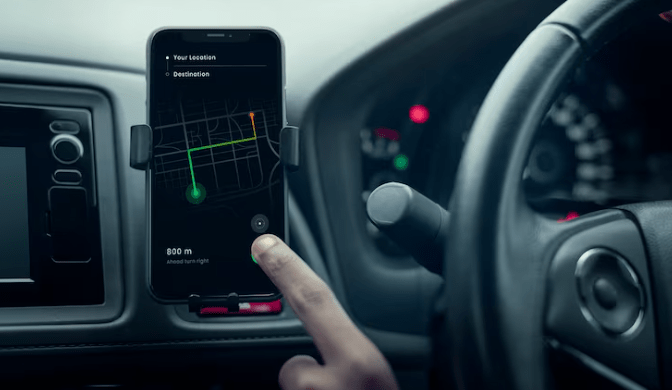
Widget support, which was already being sketched out in the previous 16.8 build, is the most talked-about addition hidden inside 16.9. Developers looking through the code have discovered the settings menu and early framework for widgets like weather and calendar. Although the exact time at which these will be available to regular users is still unknown, the direction is fairly clear. The notion that you could check the afternoon forecast or your upcoming calendar appointment without ever leaving your navigation screen is genuinely useful; it’s not a feature added for the sake of a changelog, but rather one that solves a genuine everyday annoyance.
Gemini is another. After installing the build and signing up for the beta program, some users discovered that Gemini had already subtly taken the place of Google Assistant on their device. Not all of them. It’s obvious that Google is implementing this gradually, and there’s no assurance that every tester will experience the same thing. However, the fact that it’s taking place at all shows that the business is committed to integrating its most advanced AI into the driving experience. It remains to be seen if Gemini will significantly outperform Assistant for in-car use.
Climate control integration is arguably the most underappreciated item on the list. It may seem insignificant to be able to change the cabin temperature directly from the Android Auto interface without having to navigate a car’s built-in menu system until you’ve actually tried to locate the temperature setting three layers deep in a touchscreen while traveling at 70 mph on a highway. It’s a minor improvement in quality of life that might significantly lessen the annoyance of daily driving. That can occasionally be the more significant upgrade.
Additionally, there are updated weather icons, improved radio station controls, and a new wavy progress bar that appears in media apps. Yes, minor. However, they imply that someone at Google is focusing on the experience’s texture rather than just its underlying architecture. Over time, that type of detail work tends to accumulate.
However, it’s important to be clear that this is still pre-release software, and beta builds are extremely dangerous. The known risks include poor connectivity, unplanned collisions, and strange behavior with particular car models. Waiting for the stable build is probably the better course of action for anyone who uses Android Auto for calls and navigation on a daily basis.
Even so, it’s difficult to avoid feeling momentum in this situation. Android Auto 16.9 appears to be laying the technical groundwork for the larger Material 3 redesign, which was recently unveiled at Google I/O. The car screen is gradually evolving from a mirroring tool to something more thoughtful, capable, and actually helpful.
